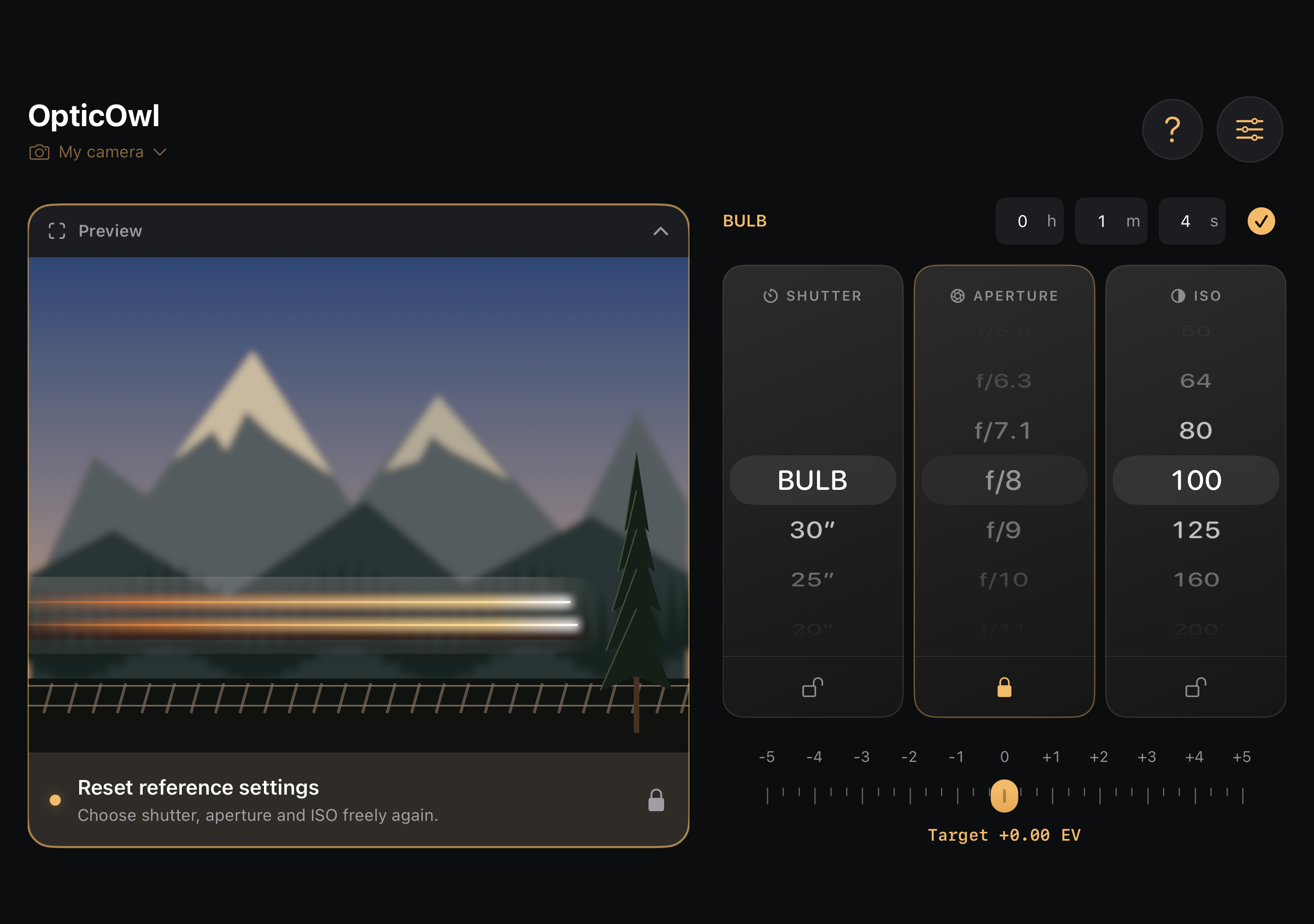
Take a test photo
Take a well-exposed photo with your camera. A high ISO and an open aperture keep the exposure short.
 OpticOwl
Use a quick test shot to find the shutter speed, aperture and ISO for your long exposure.
Download on the App Store Free for iPhone and Apple Watch.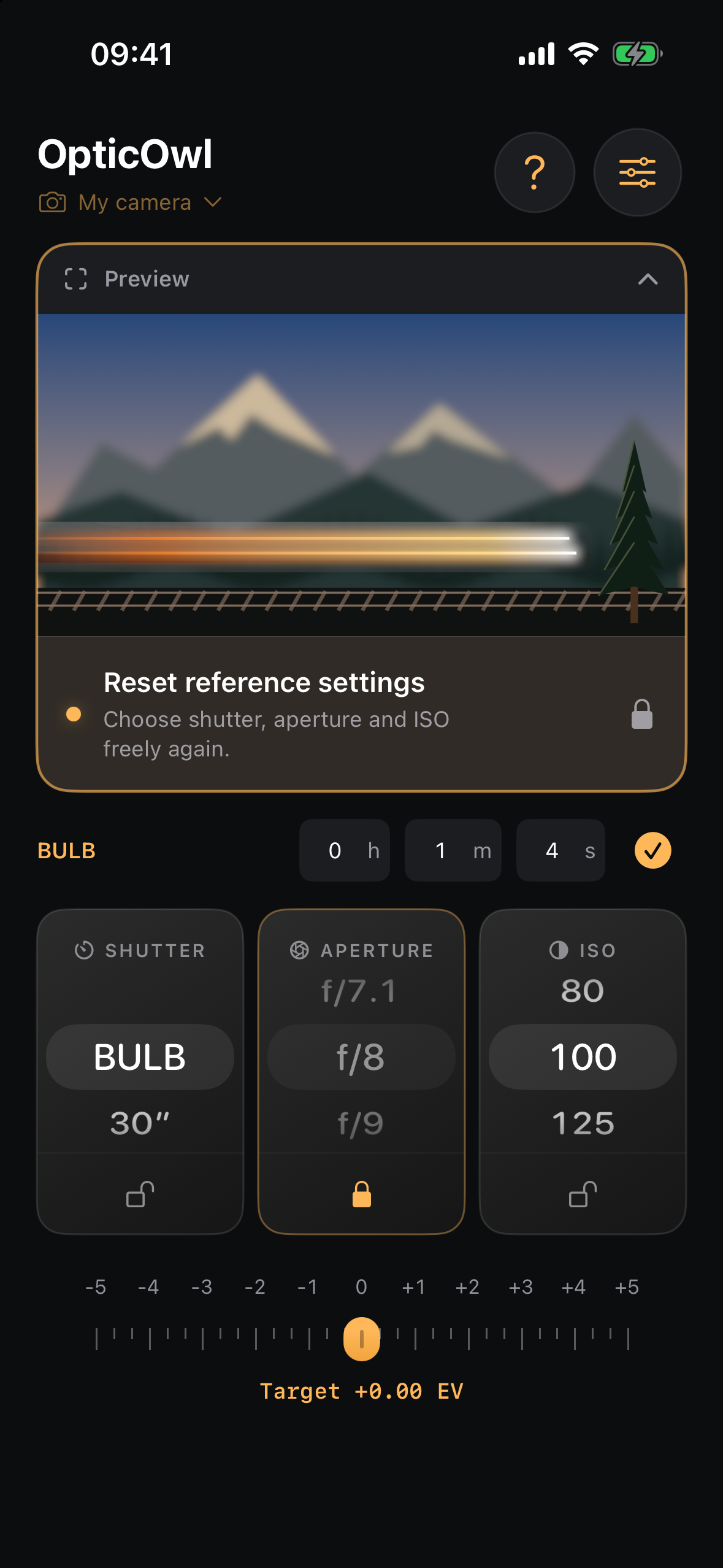
Same brightness
Take a well-exposed photo with your camera. A high ISO and an open aperture keep the exposure short.
Enter the shutter speed, aperture and ISO in OpticOwl. Use these settings as your brightness reference.
Change ISO or aperture and see the shutter speed adjust. Lock settings you want to keep, then enter the result on your camera.